Run your auction where you sell your tickets
Add an online auction to any session. Guests bid from their phones, and the money lands in the same place as your ticket sales.

Every fundraiser has the same table at the back of the room. A row of clipboards, a pen on a string, and a bid sheet that somebody has to guard. Bids get scribbled out. Handwriting gets misread. Someone slips in a late bid at the last second, and at the end of the night a volunteer is squinting at the sheets, working out who won what and chasing people for payment.
Your guests were already on their phones. So we’ve moved the bid sheet there.
What’s new
You can now attach an auction to any session of your event. There are three ways to sell, and you can mix them in the same auction.
Timed bidding. Set a starting bid, the size of each step and a time to close. If you want a floor, add a reserve. Bidders only see that the reserve hasn’t been met. The amount stays private.
Buy now. Some items don’t need a contest. Set a fixed price and sell one or many, up to a limit you choose.
Donations. Let guests give any amount toward a cause, such as new playground equipment or a water well. They choose the amount and pay on their phone.
Bidding from a phone
Guests sign in with a link sent to their email. There’s no account to create and no password to forget. Then they pick an item and bid in one tap.
Not everyone wants to sit and refresh a page for an hour, so there’s auto-bid. A bidder sets a private limit, and we bid for them, only as much as is needed to keep them in the lead, up to that limit. Nobody else sees the limit. If someone passes them, they get an email with a button to bid again.
You choose who can bid. Keep the auction to your ticket holders, or open it to the public if you want to reach people who can’t make it on the night.
Getting paid
When bidding closes, you decide how winners pay. Either we charge the card they saved when they registered, or we send them a link to pay by a deadline you set. Winners get a receipt straight away.
The money follows your existing setup. If you take payments into your own Stripe account, auction sales go there too. If you’d rather we collect and pay you after the event, auctions work the same way. Unsold items show up in your results, where you can offer them to the runner-up, re-open them, carry them over to a later session or leave them be.
What it costs
There’s no subscription and no setup fee, and free events are still free. For timed-bid and buy-now sales, there’s a 2.0% item fee plus our 3.0% processing fee, both on the winning amount. By default the buyer pays the item fee and you pay the processing fee. You can change who pays each one for every auction.
Donations only carry the 3.0% processing fee. There’s no item fee. There’s no per-ticket fee on auction items, and discount codes don’t apply to them. You can always see the current figures on the auctions page, and buyers see their fees before they commit.
How to start
Create your event, add a session, then open Auctions in your console and create one for that session. Add your items with a photo and a price, set your closing time and publish. Share the link and let your guests do the rest.
Like everything on EasyEntry, there’s no plan to upgrade to. Auctions are included on every account.
Keep reading
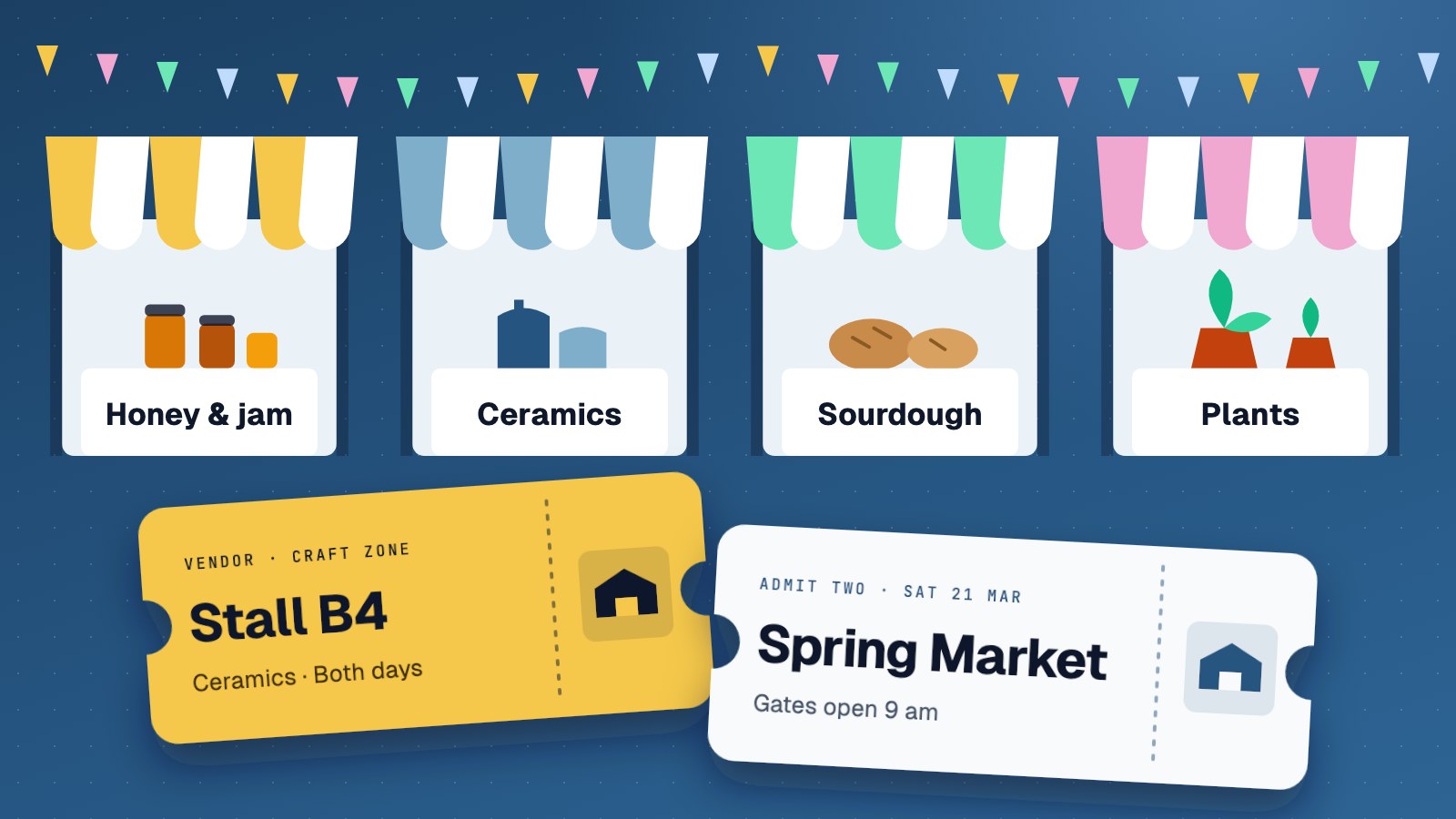
Sell stalls and tickets in one place
Run your market or festival from one account. Vendors book on their phones, visitors buy tickets, and you see both together.

One picture was never enough for your event
Your event page can now hold three images. Keep your banner up front, then add the poster, the seating plan or last year's crowd.
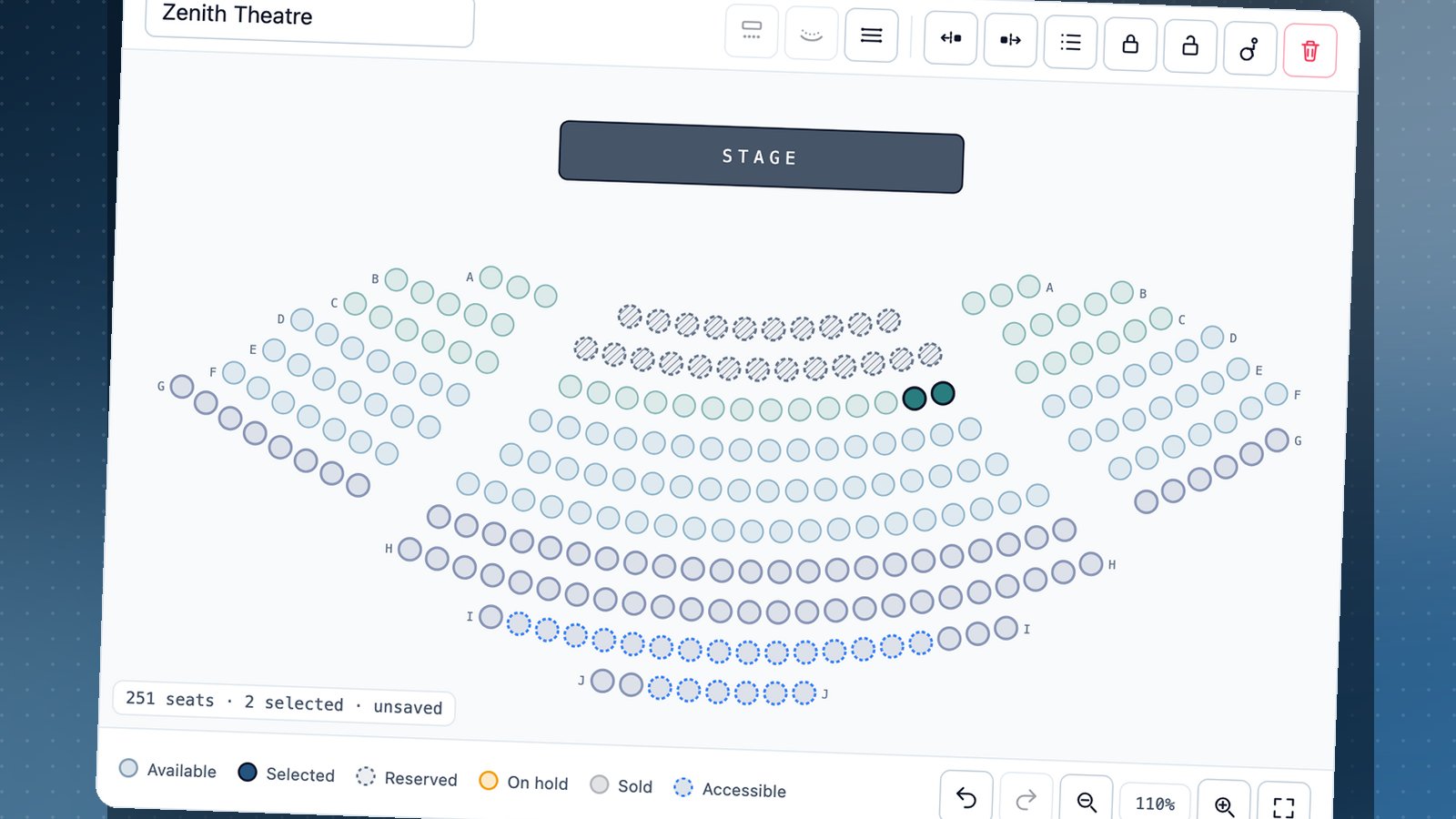
The seat we didn't have
We lost our first client because we had no seating chart. Now we have one, and buyers can pick their own seats. We're going back to ask for a second chance.
Running an event?
Create your event, publish it, and start selling in minutes. No plans, no setup fee, and free events are always free.
Create your event →